
타ì´í•‘ 가능한 ëª¨ë“ ê³³ì—ì„œ ìž‘ë™
ê°•ë ¥í•œ ì„±ëŠ¥ì„ ê²½í—˜í•˜ì„¸ìš”
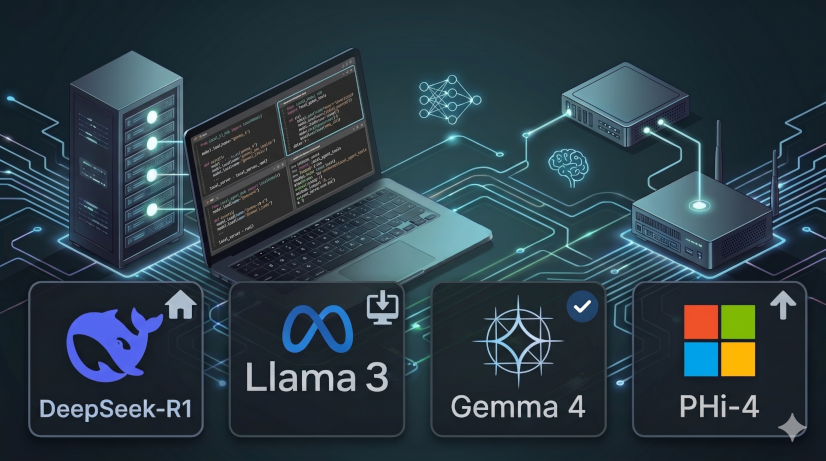
로컬 ìƒì„±í˜• AI
완벽한 프ë¼ì´ë²„시와 오프ë¼ì¸ ì†ë„를 위해 ê³ ê¸‰ 모ë¸ì„ ê¸°ê¸°ì— ì§ì ‘ 다운로드하여 실행하세요.
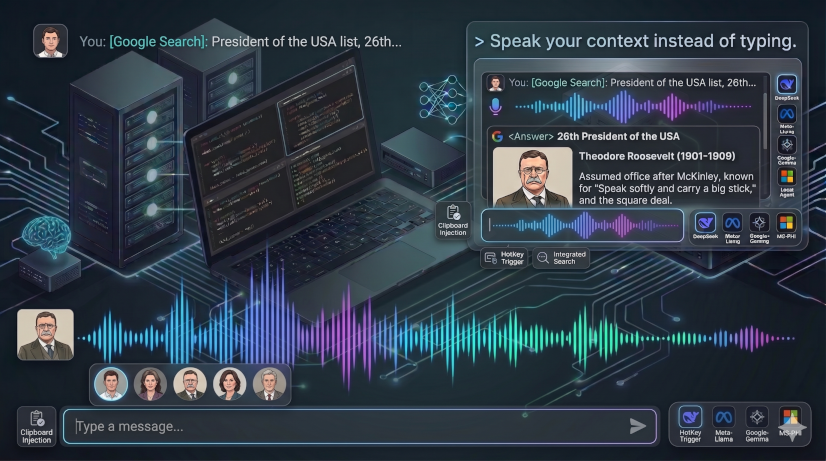
프ë¼ì´ë¹— AI 채팅
ì¸í„°ë„· ì—°ê²° ì—†ì´ ë¡œì»¬ 모ë¸ê³¼ 채팅하세요. 100% 프ë¼ì´ë¹—í•˜ê³ ì•ˆì „í•©ë‹ˆë‹¤.
코딩 ì—ì´ì „트 기반
타ì´í•‘ ëŒ€ì‹ ë§¥ë½ì„ ë§í•˜ì„¸ìš”. GitHub Copilot, OpenAI Codex, Cursor, Claude Code, Lindy, Zencoder, Antigravity CLIì— ì 합합니다.

ê³µê¸‰ìž ì§ì ‘ ì—°ê²°
ê°œì¸ Groq ë˜ëŠ” OpenAI 키를 사용하여 ì¤‘ê°œìž ì§€ì—° ì—†ì´ ì´ˆê³ ì† API í†µì‹ ì„ ì´ìš©í•˜ì„¸ìš”.
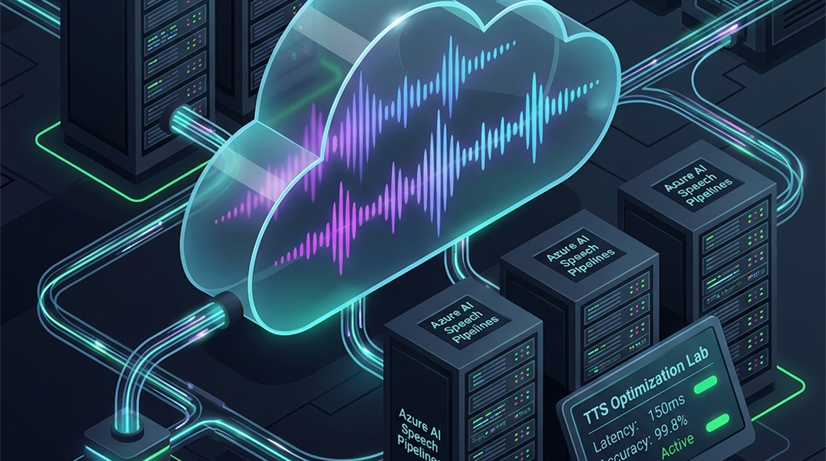
í´ë¼ìš°ë“œ AIì˜ ìœ ì—°ì„±
ë” ë§Žì€ ì„±ëŠ¥ì´ í•„ìš”í• ë•ŒëŠ” ê³ ì„±ëŠ¥ í´ë¼ìš°ë“œ 처리로 ì›í™œí•˜ê²Œ ì „í™˜í•˜ì„¸ìš”. 로컬 ëª¨ë¸ ì‹¤í–‰ì—는 ìµœì‹ ì»´í“¨í„°ê°€ 필요하므로, 구형 컴퓨터 사용ìžì—게는 í´ë¼ìš°ë“œê°€ 완벽한 대안입니다.
Explore the App Interface
Take a look at ChatySpeak's clean, native desktop environment and configure its powerful features.
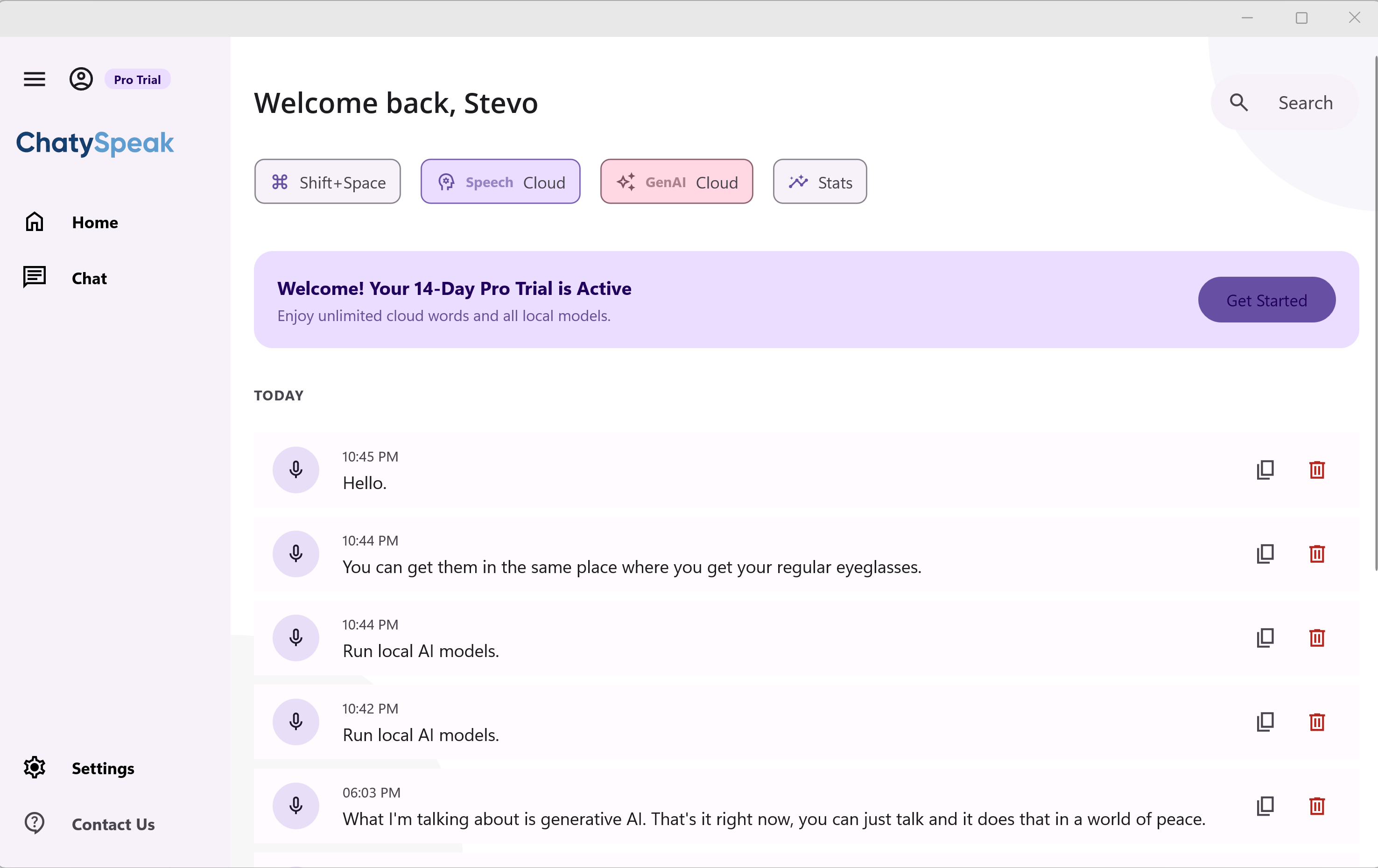
Recorded Sessions List
View all your past transcriptions and audio recordings. Delete, copy, search, or send them to LLMs for summarization.
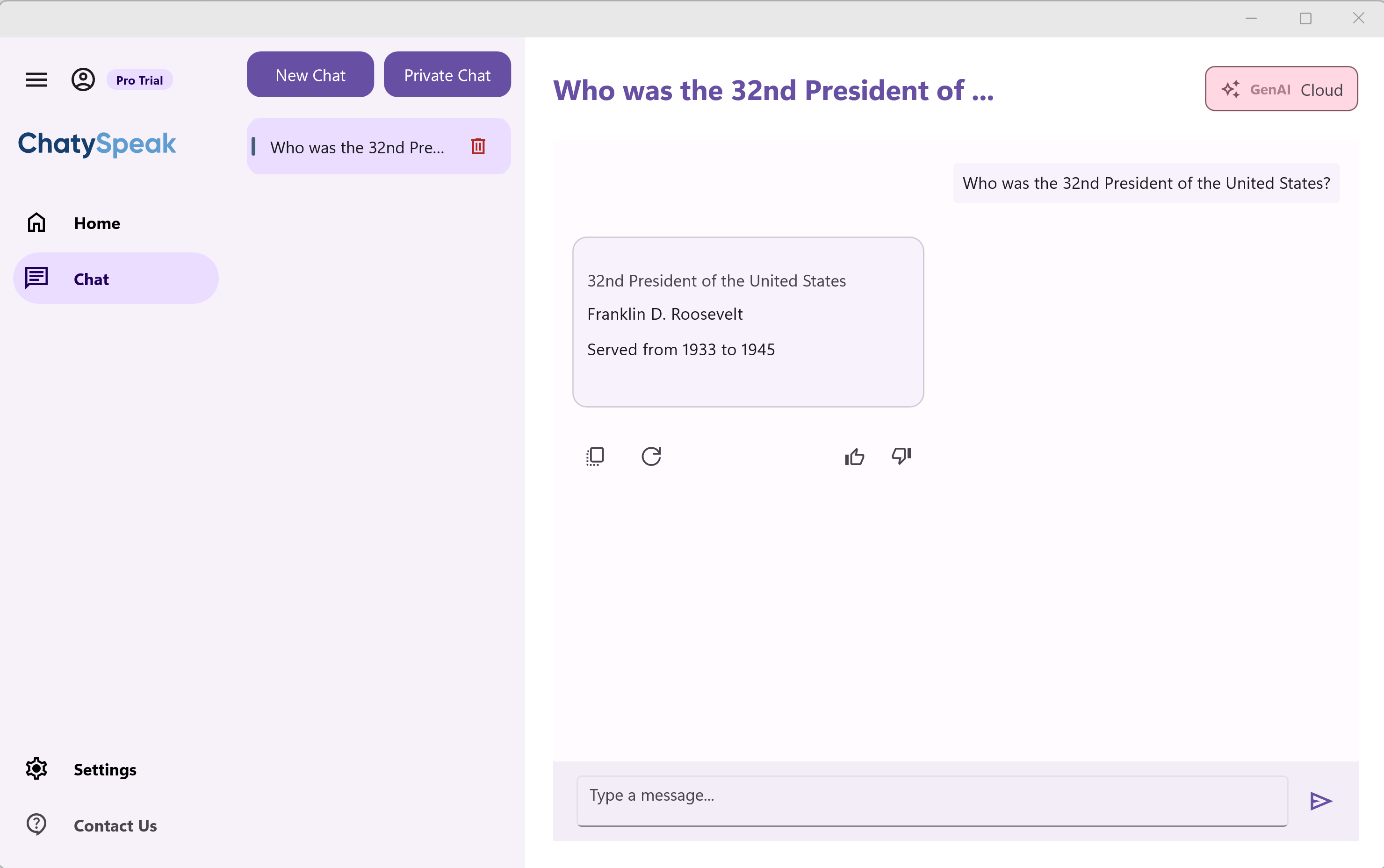
Private AI Chat Sidebar
Chat with your local or cloud LLMs directly. Feed them your recordings or ask questions about transcribed text.
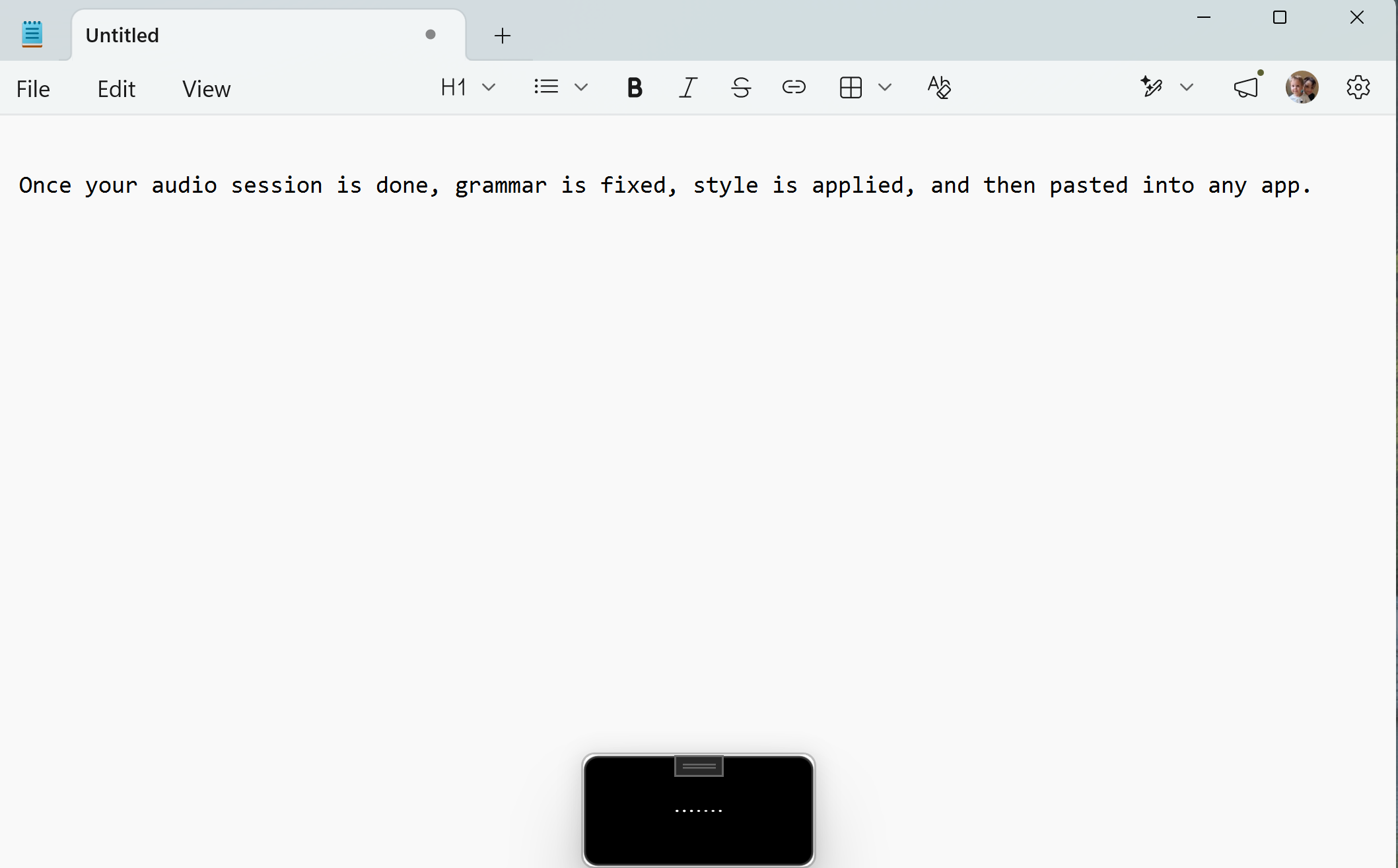
System-Wide Dictation
Dictate directly into Notepad, IDEs, and coding agents like Claude Code, Cursor, GitHub Copilot, Lindy, and Antigravity CLI with a real-time on-screen transcription overlay.
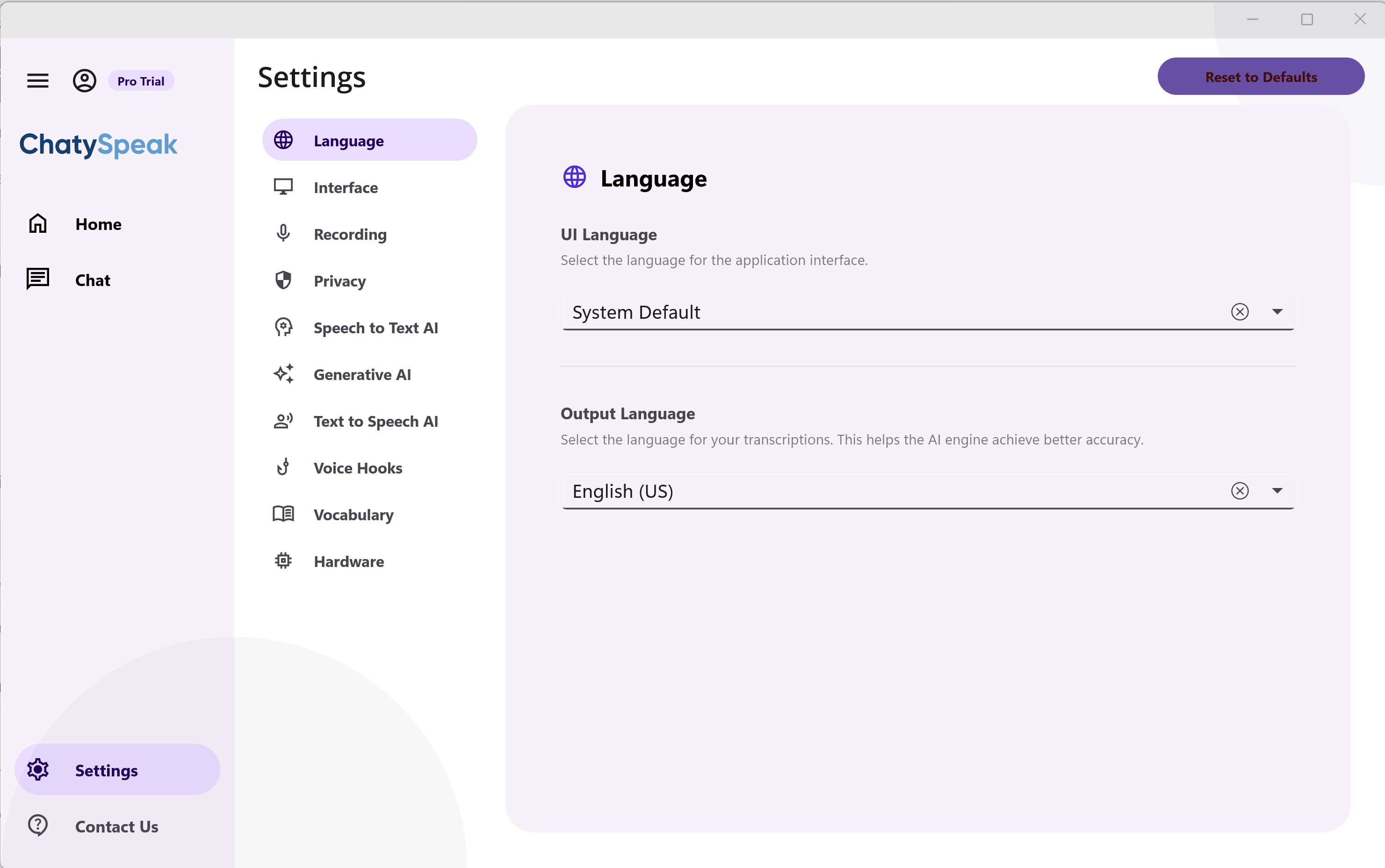
General Settings
Configure system-wide hotkeys, preferred language defaults, local database paths, and startup settings.
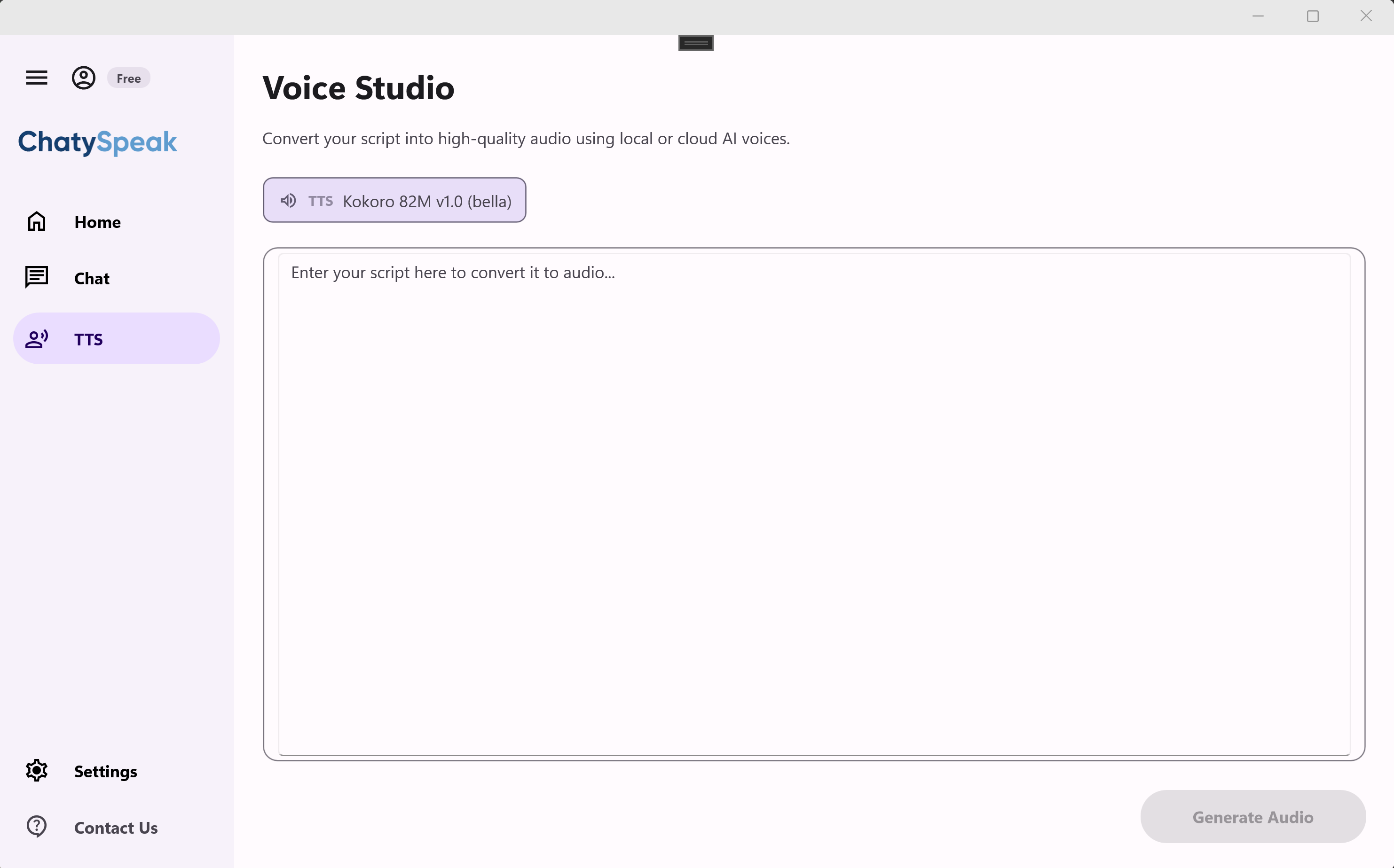
Text to Speech (TTS) Studio
Convert scripts into natural speech audio voiceovers locally using Kokoro ONNX models, or export using cloud providers.
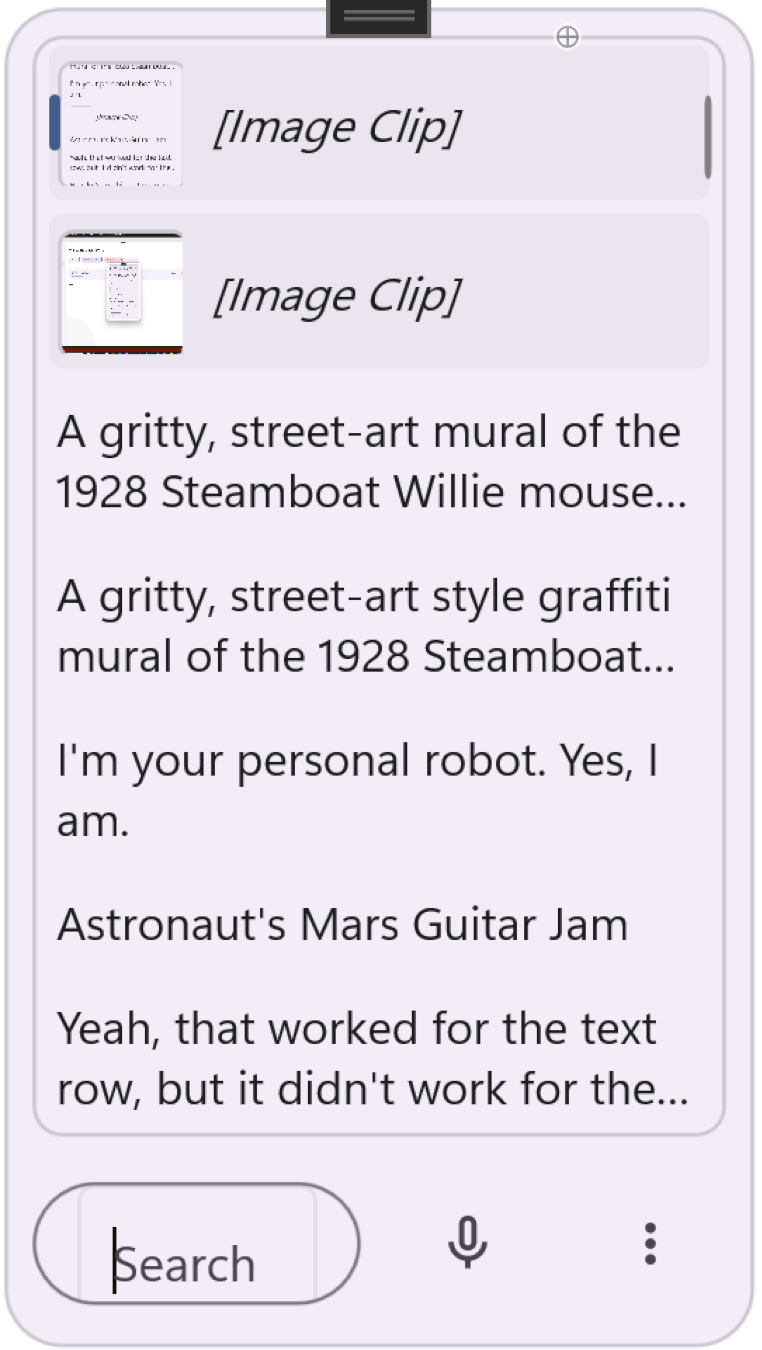
AI Clipboard History
Access, search, and recall your local text and image copies, then selectively trigger AI transformations on demand.
타ì´í•‘ì€ ë©ˆì¶”ê³ , êµ¬ì¶•ì„ ì‹œìž‘í•˜ì„¸ìš”.
Ready to transform your productivity with ChatySpeak AI voice typing & chat?
Windows 10/11 지ì›. macOS ë²„ì „ 출시 ì˜ˆì •.